
Floating Layer Indicator
A downloadable tool
Floating Layer Indicator
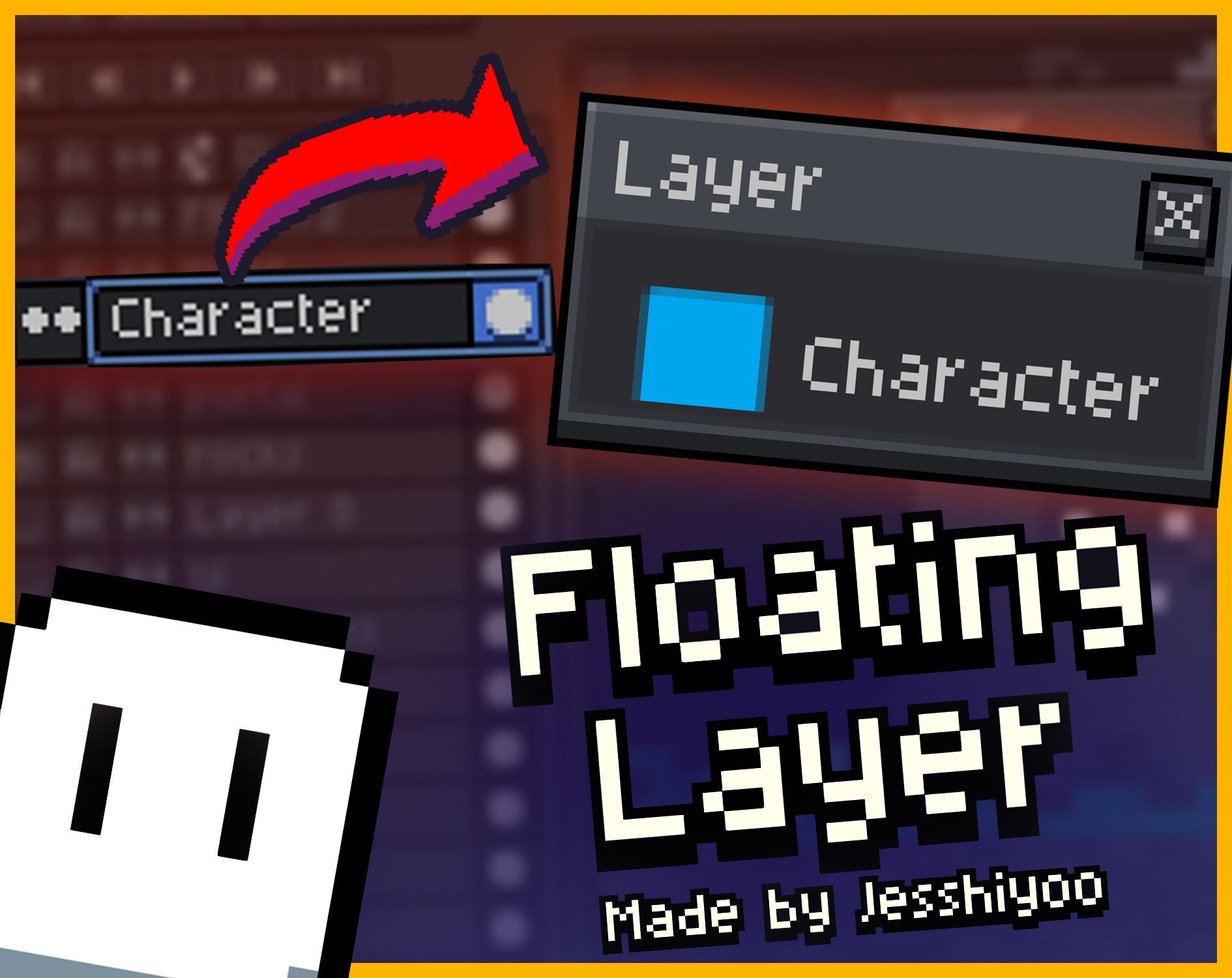
Aseprite extension that shows the layer you’re currently working on in a highly noticeable way.
Problem:
Sometimes you accidentally draw on the wrong layer because the layers panel is too cluttered and compacted, it’s hard to see which layer you’re working which is sucks and very frustrating.
Solution:
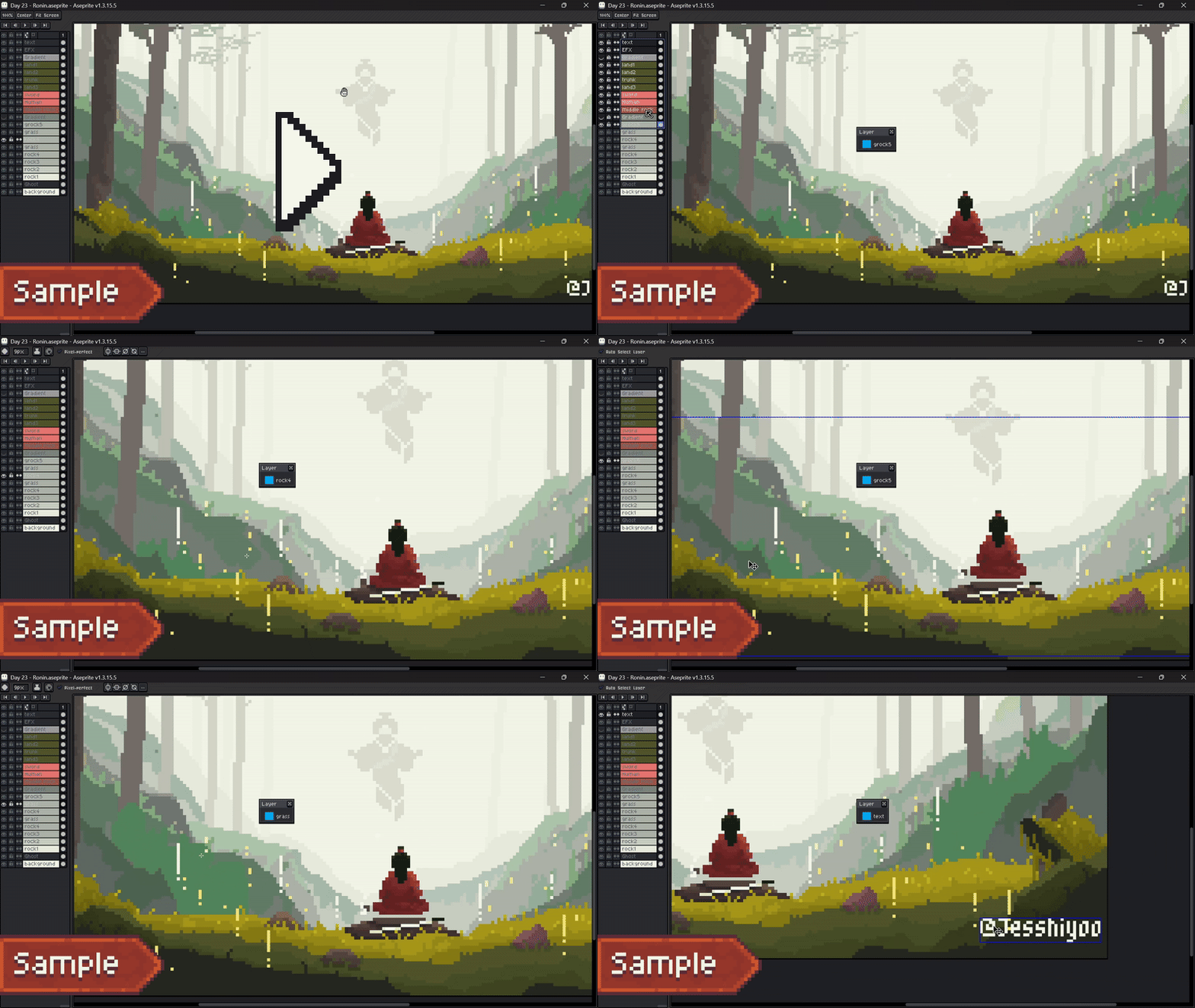
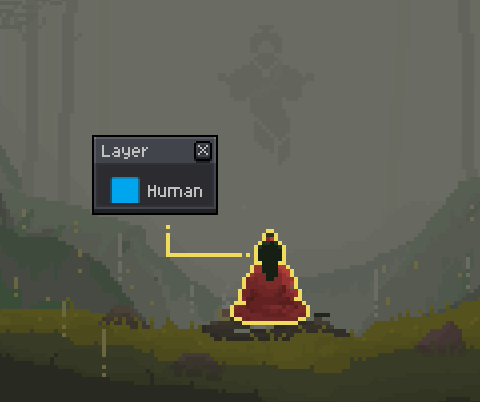
This extension creates a floating indicator that automatically shows the name of your current layer. Drag it anywhere on your screen to place it where it suits you best!
Made by Jesshiyoo
PS: This is my first ever public software, if you encounter an issue, pls messege me on Discord
How to import into the Aseprite:
1. Download the ZIP file.
2. Extract the ZIP.
3. Open Aseprite.
4. Go to File → Scripts → Open Scripts Folder.
5. Place the extracted file into the Scripts folder.
6. Re-scan (if required).
7. To use it, go to File → Scripts → Floating Layer
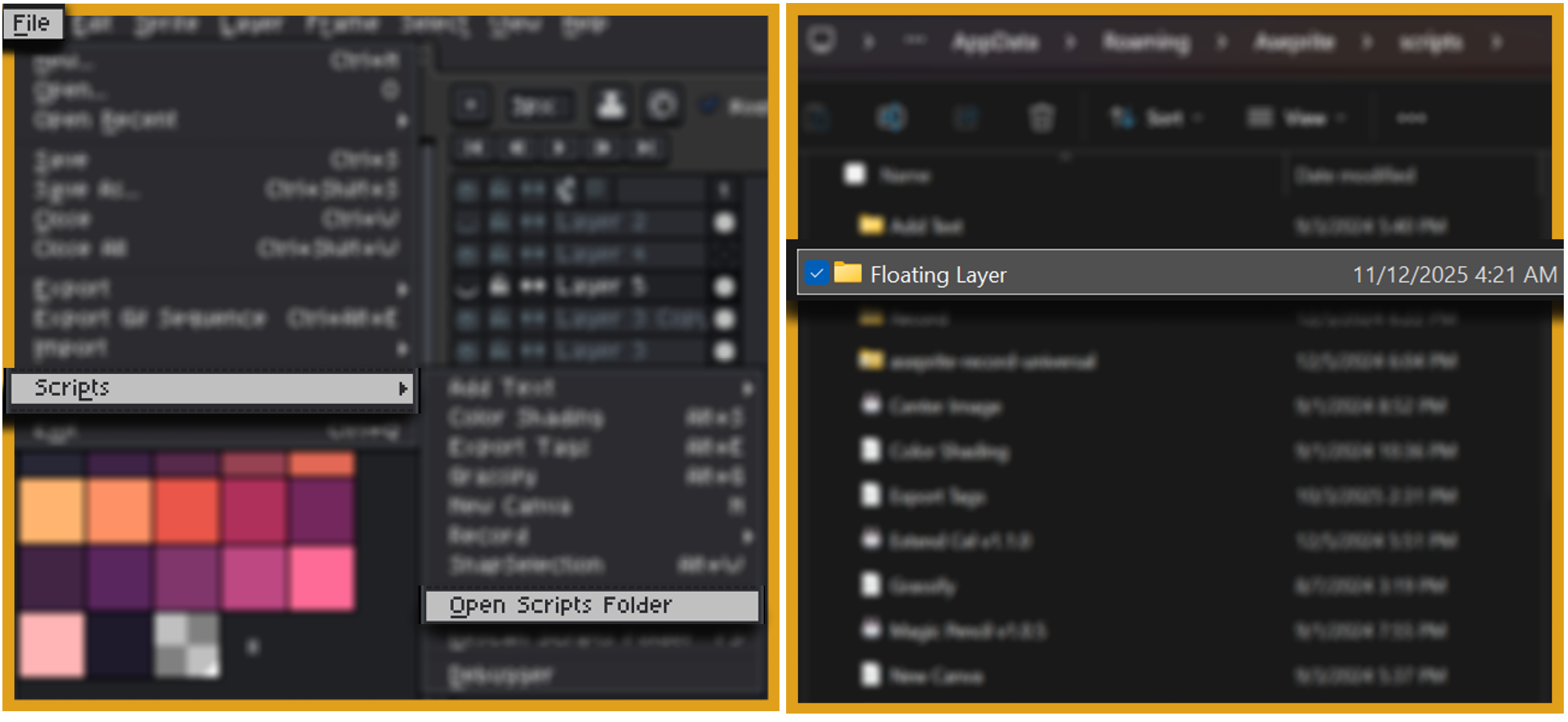
(Press Re-scan Script if it doesn't show)
Download
Click download now to get access to the following files:
Comments
Log in with itch.io to leave a comment.
Is it okay that I still work on and release my version in the future? Don't want to feel like a copy cat or anything!
Oh also! Welcome in to the world of aseprite scripting btw! :D Is nice to meet youuuu!
For sure, no problem! XD
I create this script to help other asepriters with similar problem XD. I guess we have similar problem solving idea
Nice to meet you too! I feel nice when I help other using scripting:D
(I also love your extension, very useful and effective)
Hahaha we might be hanging out with the same Asepriters xD Being on the wrong layer is a very common oof followed by much erassing and undoing ha
Right? Aseprite its self is already super amazing but the fact we can addon to it to make specific helper things is super helpful!
Omg which one have you checked out? Glad to hear its been helpful either way! Always appreciate seeing people using them :D
Yeah exactly!! XD
I love them all, especially the POPOUT PALLETE, i bought it months ago and I still use it until now, its very handy and very worth it!
Oooo yasss thank you thank you! So glad that its helping you :) Popout Pallete was a fun one to work on. I def have some planned updates as well for it at some point too xD
Also thanks for all your replies too! Lovely to chat with ya!
You're welcome! Nice talking with you too!
Super useful! Using it on a couple of projects of mine.
Super useful tool, thank you for making this!
10/10 Thanks for this mate!
10/10 would recommend
pros: i dont draw on wrong layers
cons: i spend less time drawing
Super useful, an awesome addition to a great tool.
Unreal!
Thank you Pen^^